Pick Your Play
Before you approach the gate
1
Did you purchase through Ticketmaster?
!
IMPORTANT
Download the Houston Texans app and sign in with your Ticketmaster account ASAP!
⚠️ Use the TEXANS appNOT the Ticketmaster app
📲 Need to download the Texans app?
2
Are you signed in?
Can you see your tickets in the Texans app?
↻
SIGN IN NOW
Open the Texans app and sign in with your Ticketmaster account before you get in line.
📱 Make sure you can see your tickets
BEFORE approaching the gate
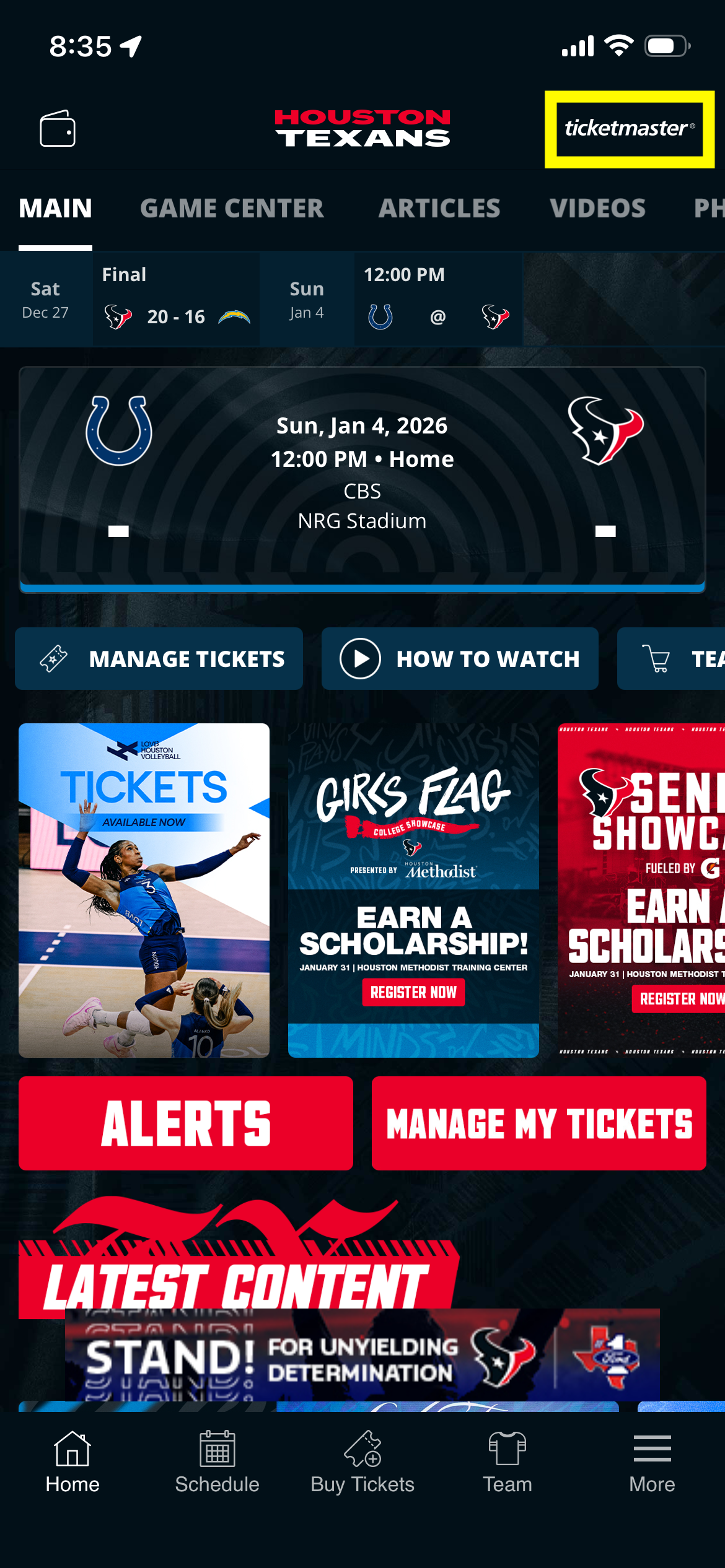
👆 Tap here to sign in with Ticketmaster
3
Where are your tickets?
TEXANS APP
1
Pull up your ticket barcode
2
Turn your brightness ALL THE WAY UP ☀️
3
Hold your phone SCREEN UP
Hold Under the Scanner
Scanner
↑ Screen facing UP
APPLE / GOOGLE WALLET
1
Open your Wallet app
2
Select your Texans ticket
3
Look for "Hold Near Reader"
Tap the Contactless Symbol
Hold phone TO the symbol
YOU'RE IN!
When you see the
GREEN LIGHT and hear the
BEEP
Walk through and enjoy the game! 🏈